This interactive demo was created free with Storylane in 2 minutes. Create your own demo
Start free
All Tutorials /Miro

How to Use Miro for Project Management

Updated on:
June 5, 2026
By:
Madhav Bhandari
Use this interactive demo to learn how to set up and manage a project board in Miro.

Quick summary

Miro is a collaborative online whiteboard platform that lets teams plan and manage projects using templates, sticky notes, cards, and Kanban-style boards. This guide walks you through creating a project management board in Miro, assigning team members, adding tags and due dates, and enabling real-time collaboration.


Steps

  1. Provide a name for your board for project management.
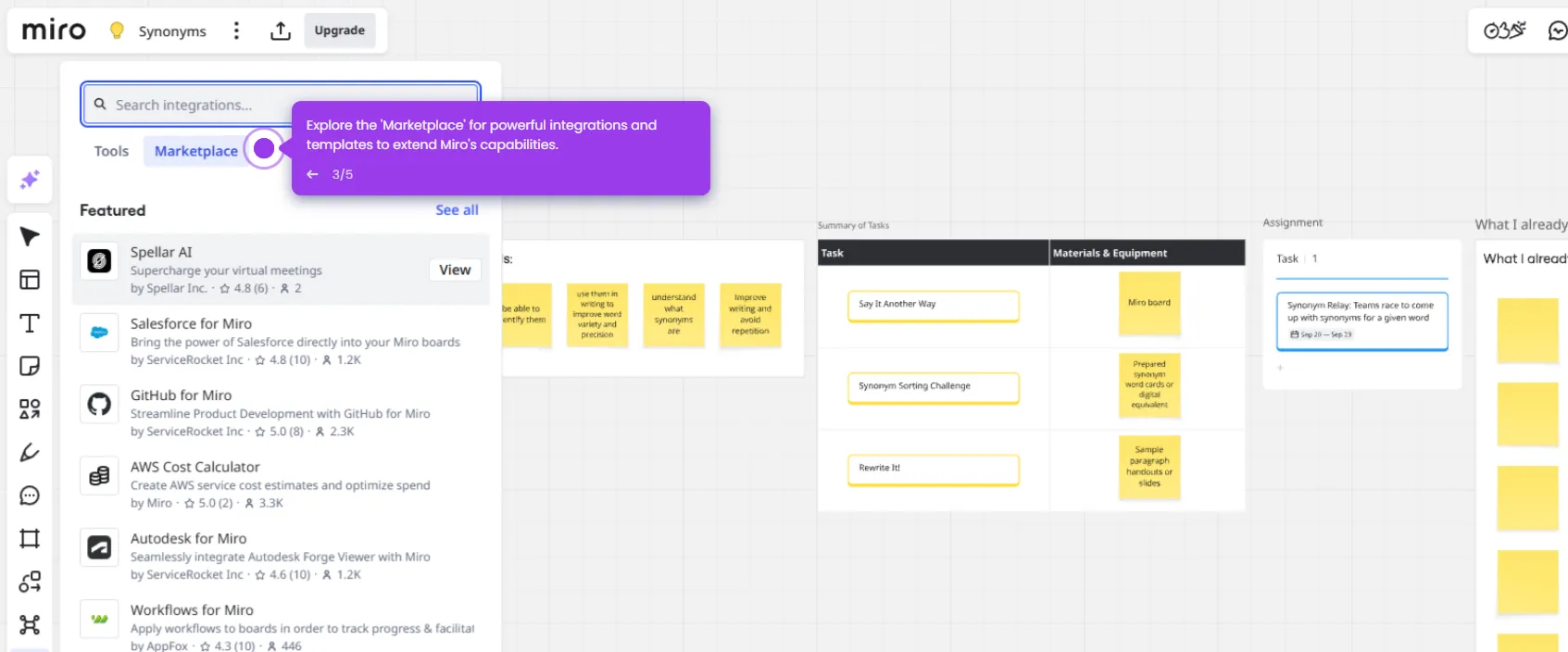
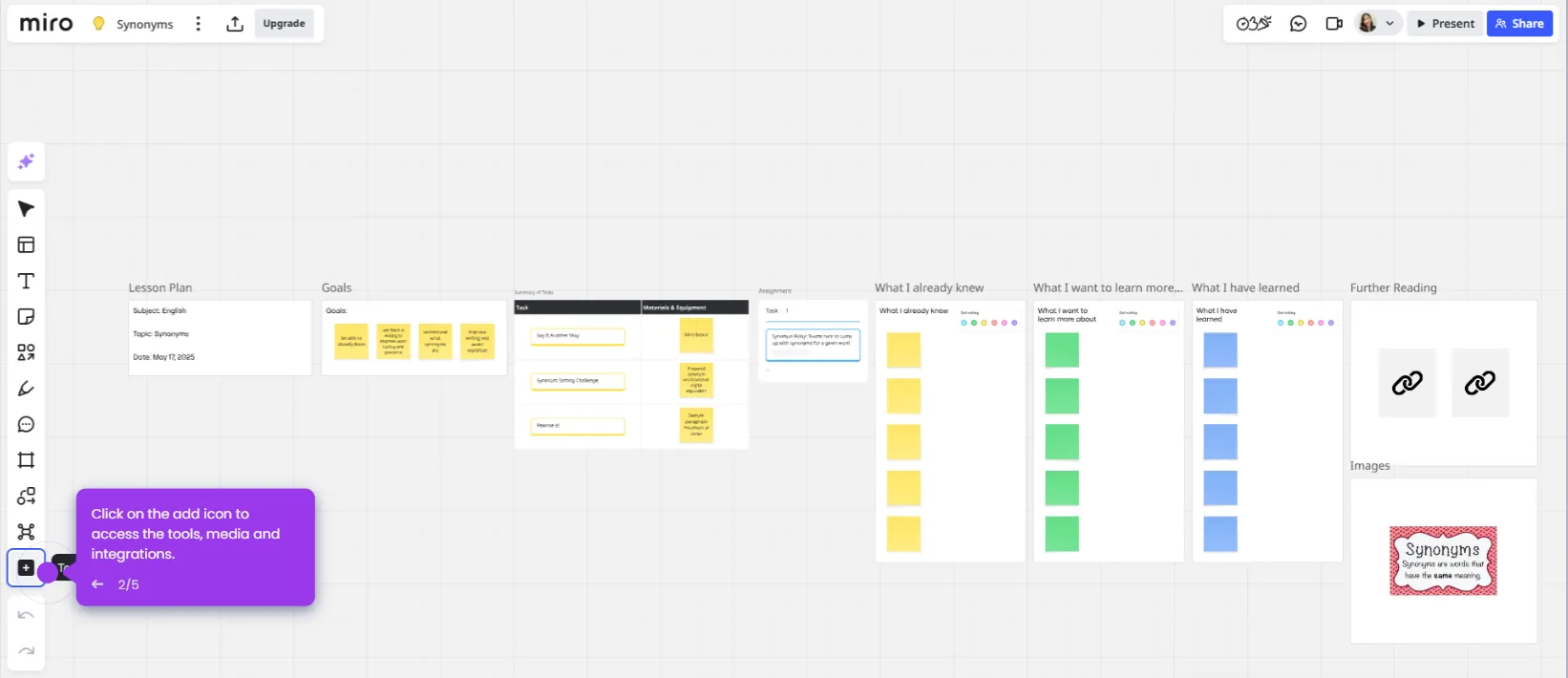
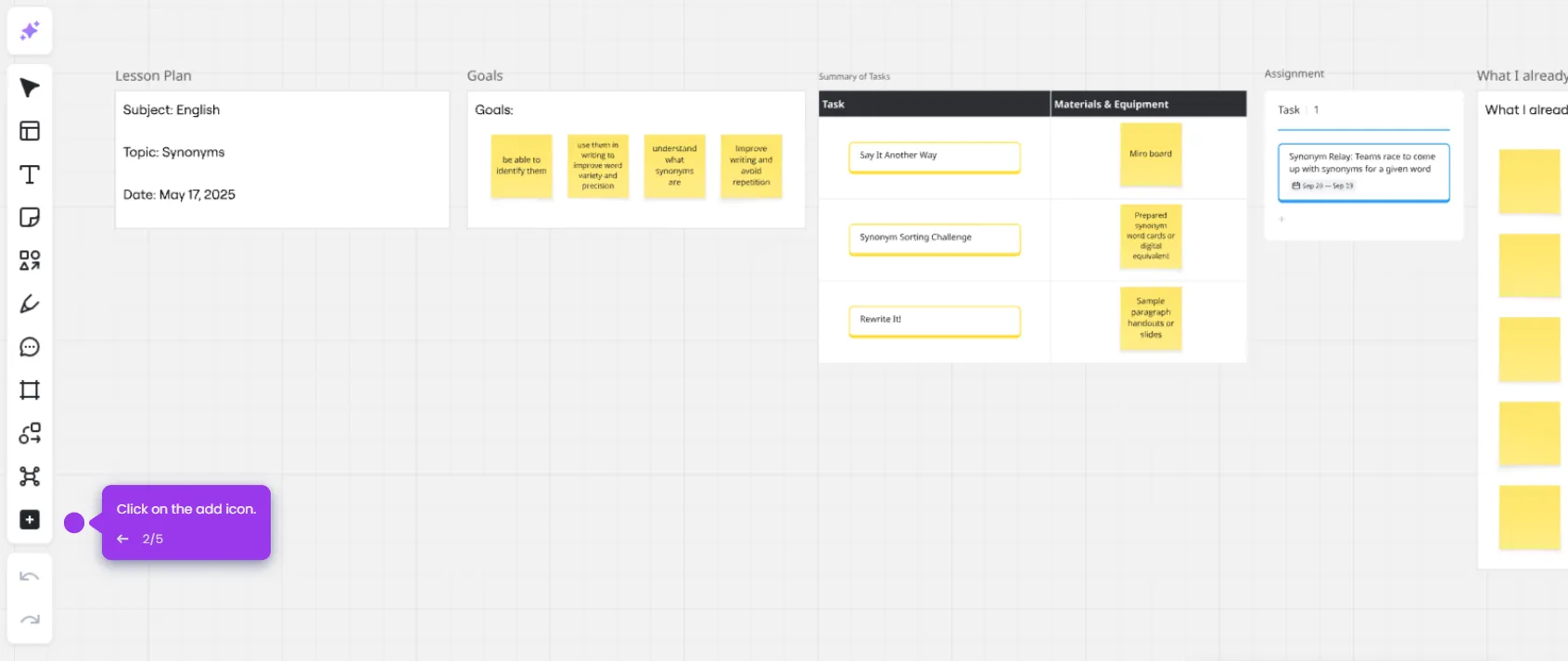
  2. Access templates by clicking the templates icon and browse Project Management templates for optimized workflow solutions.
  3. Find the perfect template using the search functionality.
  4. Refine your template selection with advanced filtering options.
  5. Use Miro's sticky notes, shapes, and cards to divide the project into phases or milestones.
  6. Assign team members to collaborate on the board together.
  7. Manage collaborator permissions and assign board ownership.
  8. Customize your board with tags for better organization.
  9. Add descriptive tags that reflect your project's focus areas.
  10. Set your start and due dates for the project.
  11. Use comments to provide feedback and collaborate in real-time.
  12. Review that assignees, due dates, and tags have been added to cards for tracking.
  13. Finalize your board setup and launch your collaborative workspace by clicking the Share button.
📌 Why this matters

Miro is a leading visual collaboration platform used by teams worldwide to plan, track, and deliver projects in one shared digital workspace. By combining Kanban boards, project management templates, real-time commenting, and task assignment in a single canvas, Miro eliminates the need to switch between multiple tools during project planning. Teams can assign owners, set due dates, add tags, and collaborate simultaneously, making it easier to keep complex projects organized and on schedule. For any team looking to improve workflow visibility and cross-functional collaboration, Miro's project management features offer a flexible, scalable solution.
Your product deserves an interactive demo
Start free
Similar Articles
Miro

Miro Google Integration

Madhav Bhandari
Director of Marketing @ Storylane
Miro

Google Meet Miro Integration

Madhav Bhandari
Director of Marketing @ Storylane
Miro

Miro ChatGPT Integration

Madhav Bhandari
Director of Marketing @ Storylane
No items found.
Platform
Interactive Demos
Sandbox Demos
Hubs
RepX
Integrations
Solutions
Product Marketers
Growth & Demand Gen
Sales Reps & AEs
Presales & SEs
Customer Success
Product Managers
Customers
Demo Showcase
Customer Stories
Finer Demos Club
Features
Demo Signals
Personalization
Deal Intelligence
Resources
Blog
The Plot
Tutorials
Help Docs
What’s New
Demo Dundies
Company
Careers
Pricing
Partners
Contact
Trust Center
Backed by
Chrome Extension Icon
Chrome extension
Download
Desktop app
Download
Built in San Francisco Bay Area - ©2026 Storylane
Privacy PolicyTerms & Conditions
X Corp (formerly Twitter)LinkedIn
This website uses cookies to ensure you get the best experience on our website. Learn More
Got it
This website uses cookies to ensure you get the best experience on our website. Learn More
Got it