


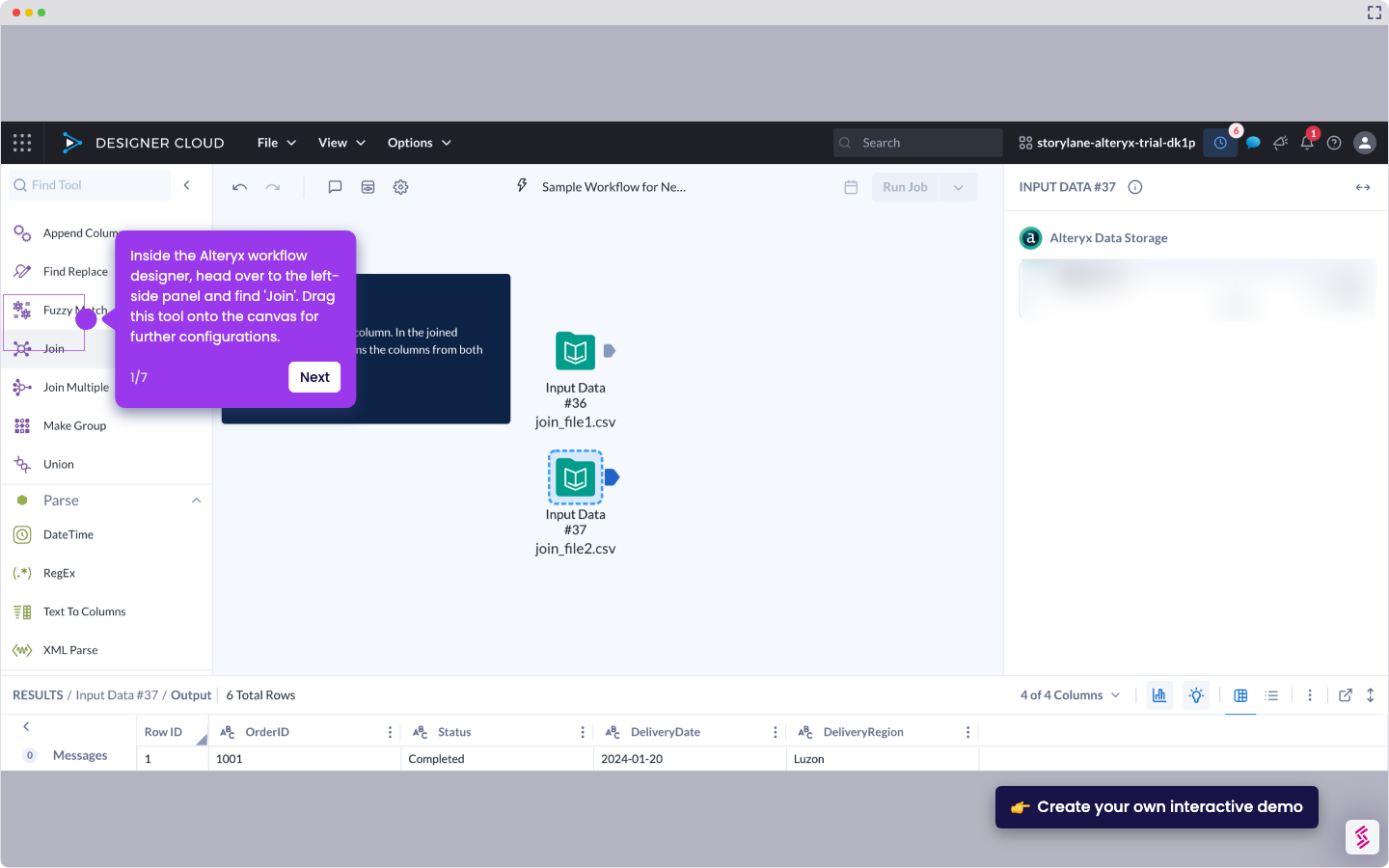
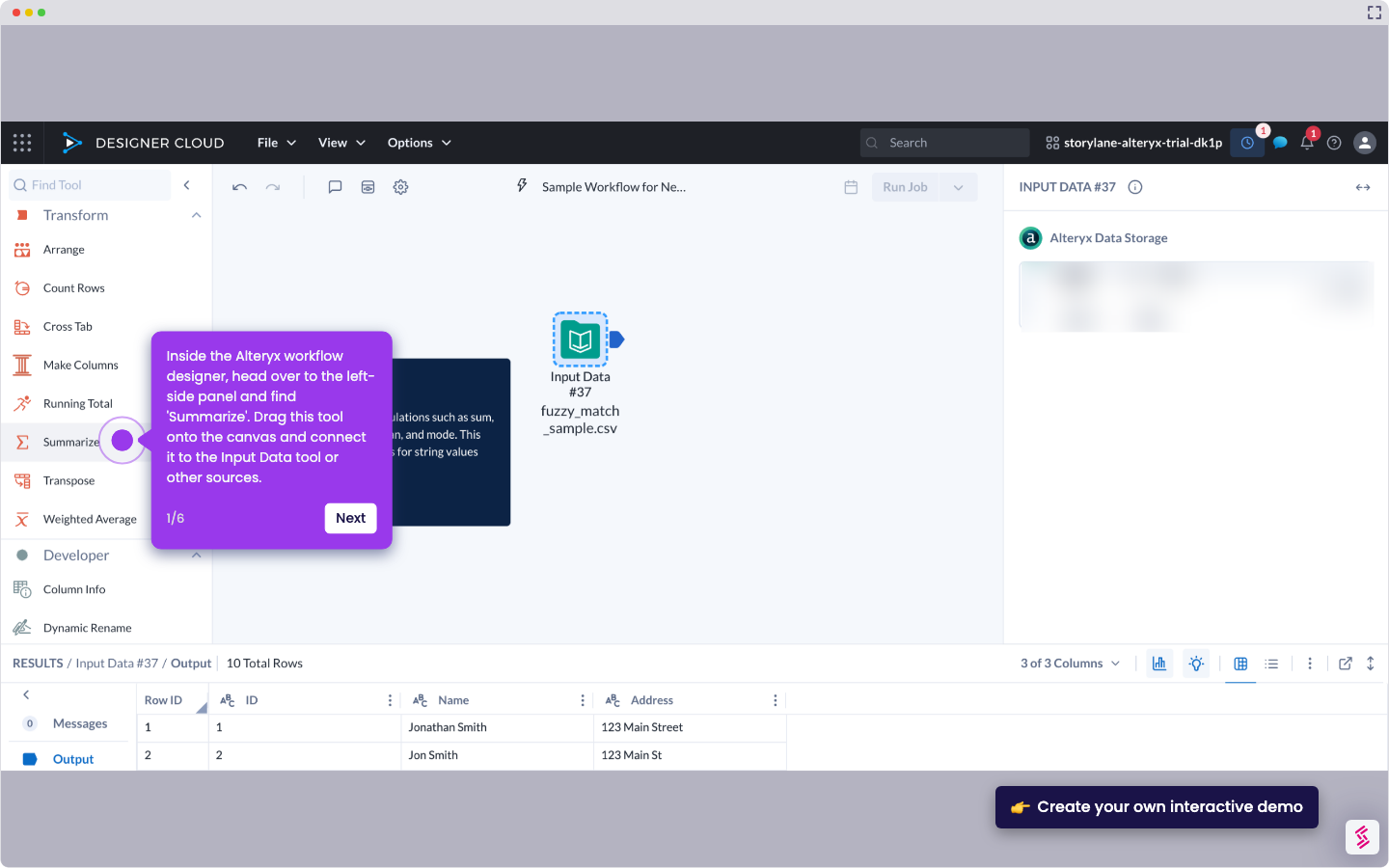
- Inside the Alteryx workflow designer, go to the left-side panel and find 'Formula'. Drag this tool onto the canvas and connect it to the Input Data tool or other sources.
- Following that, go to the right-hand panel and configure the selected tool accordingly. To get started, enter your preferred Output Column name into the provided input field and then set your desired field type.
- Subsequently, go to the Formula field and type 'ToNumber'. Select it from the suggested results.
- Replace X with '[' and choose the field that contains the data you want to use.
- Finally, the ToNumber expression will be used to process your data and generate the corresponding output.
How to Use ToNumber in Alteryx
Walk through this interactive demo to learn how to use tonumber in Alteryx.
📌 Why this matters
Converting text to numbers unlocks mathematical operations, sorting, and filtering that would otherwise fail or produce unexpected results. You can perform calculations, create meaningful aggregations, and ensure data joins work correctly across different sources. Text that looks numeric often contains hidden spaces, special characters, or formatting that breaks downstream processes. By explicitly converting these values, you prevent calculation errors and data type mismatches that can silently corrupt your analysis, especially when combining datasets from multiple systems with inconsistent formatting standards.
Your product deserves an interactive demo
Similar Articles

No items found.