Quick summary
Moz Pro's keyword research and Link Research tools let SEO teams analyze ranking potential, review backlink data, and export actionable reports — all from a single dashboard. This walkthrough covers the full workflow from navigating Link Explorer to downloading a CSV of your keyword findings.
Steps
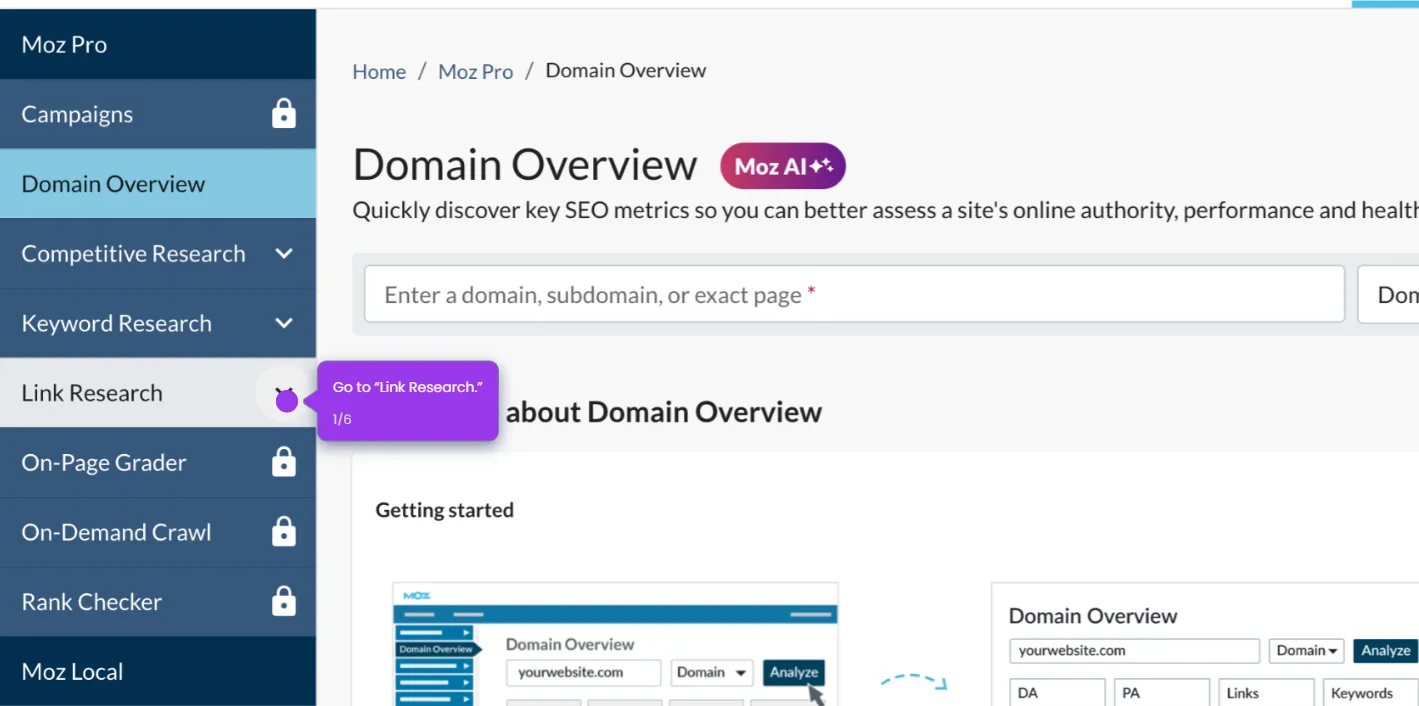
- Navigate to the Link Research section to access powerful tools for analyzing your backlink profile.
- Click "Explore by Keyword" to identify high-value terms your audience is searching for.
- Enter your target keyword to uncover ranking potential and competition metrics.
- Select a location (e.g., United States or your city) to filter results by geography.
- Click "Analyze" to reveal comprehensive keyword metrics and ranking difficulty.
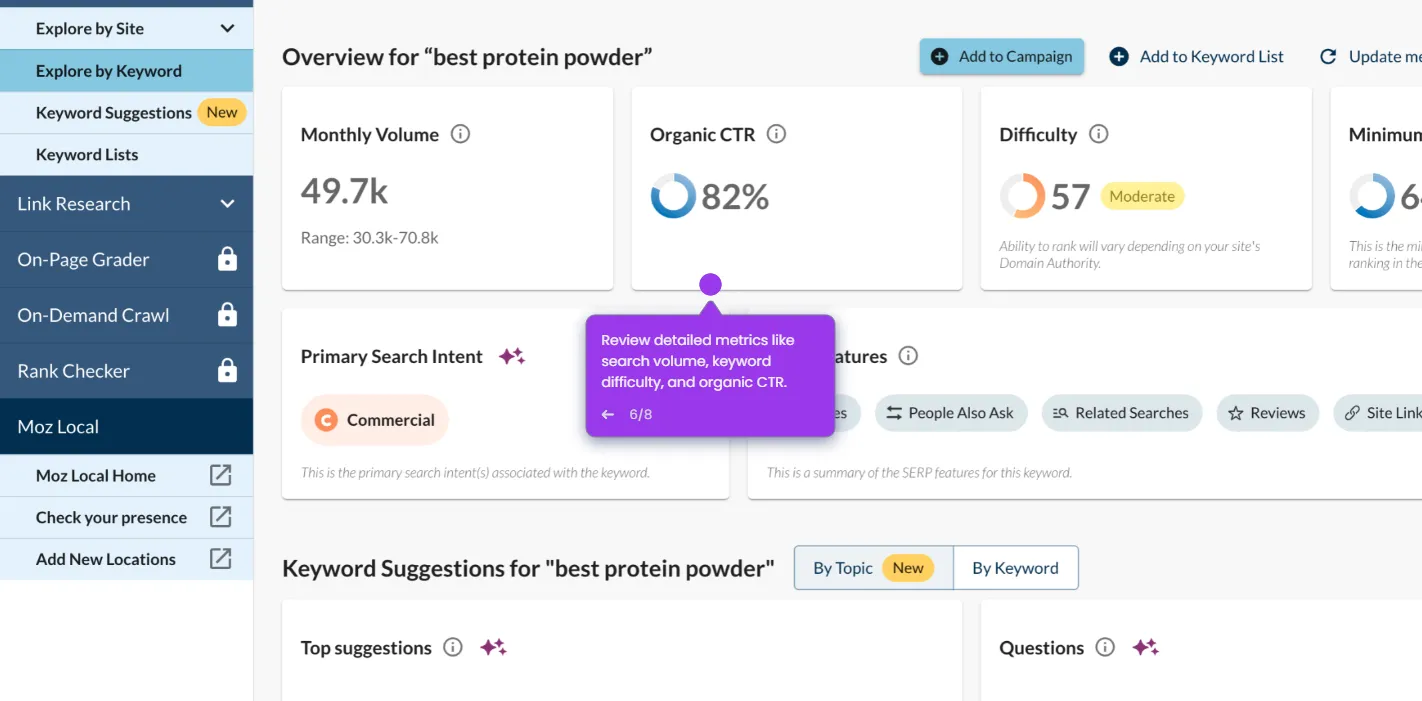
- Review detailed metrics like search volume, keyword difficulty, and organic CTR.
- Click "Export" to save your research for future reference or team collaboration.
- Choose "Download as CSV" to integrate your findings with your SEO strategy documents.