This interactive demo was created free with Storylane in 2 minutes. Create your own demo
Start free
All Tutorials /Moz

How to Use Moz to Find Potential Linking Opportunities

Updated on:
June 5, 2026
By:
Madhav Bhandari
Use this interactive demo to learn how to uncover backlink gaps using Moz Link Intersect.

Quick summary

Moz's Link Intersect tool helps you identify link building opportunities by revealing which sites link to your competitors but not to you. In just a few steps, you can generate a targeted list of prospects to prioritize your outreach.


Steps

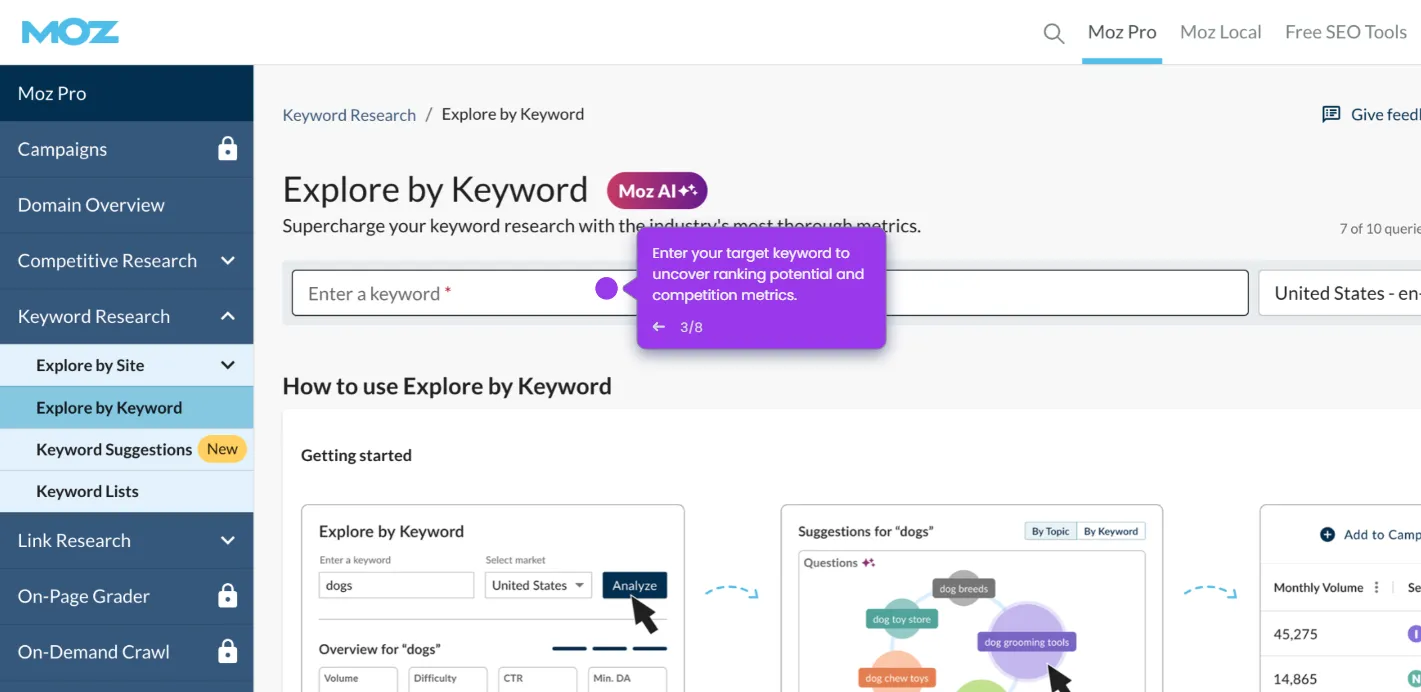
  1. Navigate to Link Research in the Moz Pro navigation menu.
  2. Click Link Intersect from the Link Research submenu.
  3. Enter your website domain in the first field (e.g., yourbrand.com) to set it as your baseline site.
  4. Add up to five competitor domains in the designated fields — the more relevant competitors you include, the more accurate your results will be.
  5. Click the Find Opportunities button to run the analysis and surface sites that link to competitors but not to you.
  6. Review your targeted list of potential link opportunities and prioritize your outreach accordingly.
📌 Why this matters

Moz's Link Intersect feature solves one of the hardest challenges in SEO: finding high-quality, relevant backlink opportunities at scale. By comparing your site's backlink profile against up to five competitors simultaneously, it surfaces domains already proven to link within your niche — making outreach more efficient and success rates higher. For SEO teams and digital marketers, this means less time prospecting and more time building links that move the needle on domain authority and organic rankings. It's a data-driven approach to link building that turns competitive intelligence into actionable growth opportunities.
Your product deserves an interactive demo
Start free
Similar Articles
Moz

How to Run Reports of Specific Keywords with Moz

Madhav Bhandari
Director of Marketing @ Storylane
Moz

How to Build Reports in Moz

Madhav Bhandari
Director of Marketing @ Storylane
Moz

How to Add Moz Extension

Madhav Bhandari
Director of Marketing @ Storylane
No items found.
Platform
Interactive Demos
Sandbox Demos
Hubs
RepX
Integrations
Solutions
Product Marketers
Growth & Demand Gen
Sales Reps & AEs
Presales & SEs
Customer Success
Product Managers
Customers
Demo Showcase
Customer Stories
Finer Demos Club
Features
Demo Signals
Personalization
Deal Intelligence
Resources
Blog
The Plot
Tutorials
Help Docs
What’s New
Demo Dundies
Company
Careers
Pricing
Partners
Contact
Trust Center
Backed by
Chrome Extension Icon
Chrome extension
Download
Desktop app
Download
Built in San Francisco Bay Area - ©2026 Storylane
Privacy PolicyTerms & Conditions
X Corp (formerly Twitter)LinkedIn
This website uses cookies to ensure you get the best experience on our website. Learn More
Got it
This website uses cookies to ensure you get the best experience on our website. Learn More
Got it