This interactive demo was created free with Storylane in 2 minutes. Create your own demo
Start free
All Tutorials /Freshbooks

How to Export Clients from FreshBooks

Updated on:
June 5, 2026
By:
Madhav Bhandari
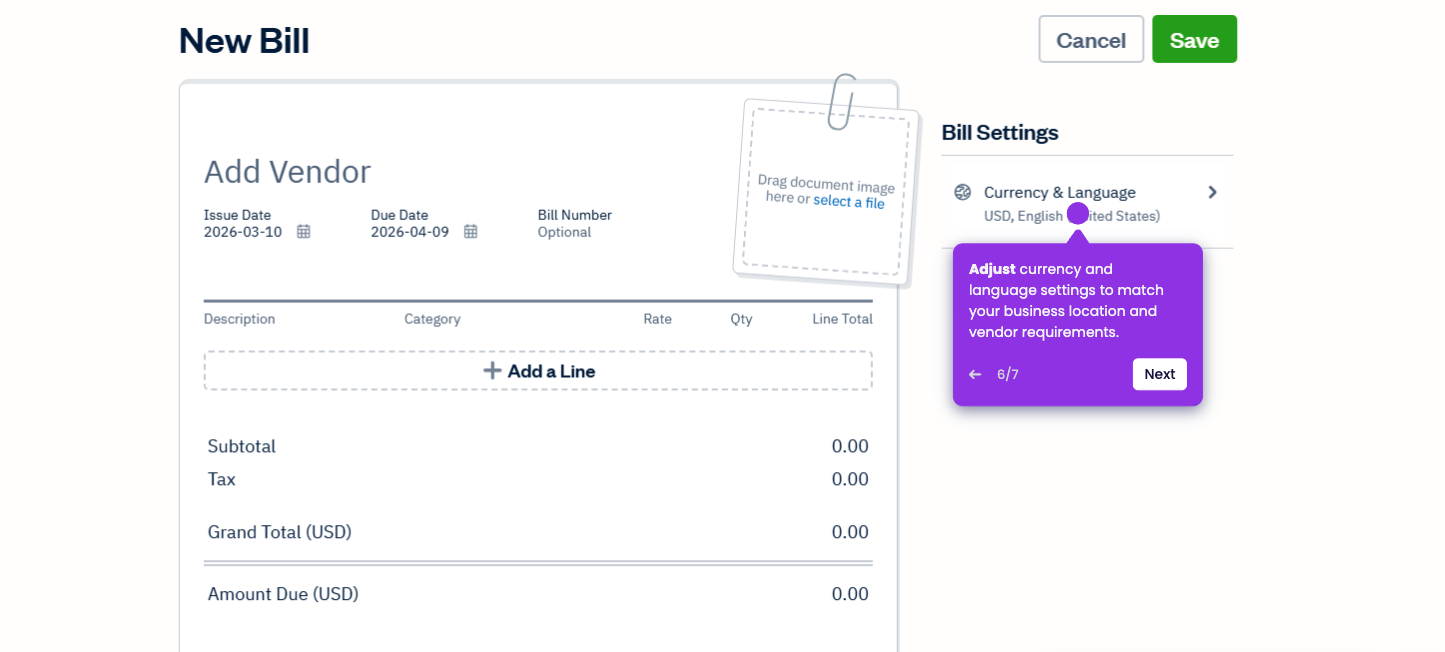
Use this interactive demo to export your client data from FreshBooks and learn the step-by-step process.

‍

‍

In this tutorial, you’ll learn how to download a complete list of your clients and their contact information into a CSV file for backups or migration.

‍

  1. On the left-side navigation bar, hover over the Clients icon (the person silhouette) and click it.
  2. Click on the More Actions button to reveal a dropdown menu.
  3. From the dropdown menu that appears, select Export Clients.
  4. A CSV file will automatically generate and download to your computer.

📌 Why this matters

Exporting your client list creates a portable backup that protects you from data loss and simplifies switching to new accounting software. Beyond basic record-keeping, this CSV file becomes invaluable for marketing campaigns, creating custom reports in Excel, or sharing client data with your accountant or business partners.

You can also merge this data with other business systems like CRM platforms or email marketing tools, giving you flexibility to analyze client patterns and grow your business without being locked into a single platform.

Your product deserves an interactive demo
Start free
Similar Articles
Freshbooks

How to Connect Bank Accounts to FreshBooks

Madhav Bhandari
Director of Marketing @ Storylane
Freshbooks

How to Pay Bills in FreshBooks

Madhav Bhandari
Director of Marketing @ Storylane
Freshbooks

How to Print Reports in FreshBooks

Madhav Bhandari
Director of Marketing @ Storylane
No items found.
Platform
Interactive Demos
Sandbox Demos
Hubs
RepX
Integrations
Solutions
Product Marketers
Growth & Demand Gen
Sales Reps & AEs
Presales & SEs
Customer Success
Product Managers
Customers
Demo Showcase
Customer Stories
Finer Demos Club
Features
Demo Signals
Personalization
Deal Intelligence
Resources
Blog
The Plot
Tutorials
Help Docs
What’s New
Demo Dundies
Company
Careers
Pricing
Partners
Contact
Trust Center
Backed by
Chrome Extension Icon
Chrome extension
Download
Desktop app
Download
Built in San Francisco Bay Area - ©2026 Storylane
Privacy PolicyTerms & Conditions
X Corp (formerly Twitter)LinkedIn
This website uses cookies to ensure you get the best experience on our website. Learn More
Got it
This website uses cookies to ensure you get the best experience on our website. Learn More
Got it