
This interactive demo was created free with Storylane in 2 minutes. Create your own demo
Start free
All Tutorials /Freshbooks

How to Pay Bills in FreshBooks

Updated on:
June 5, 2026
By:
Madhav Bhandari
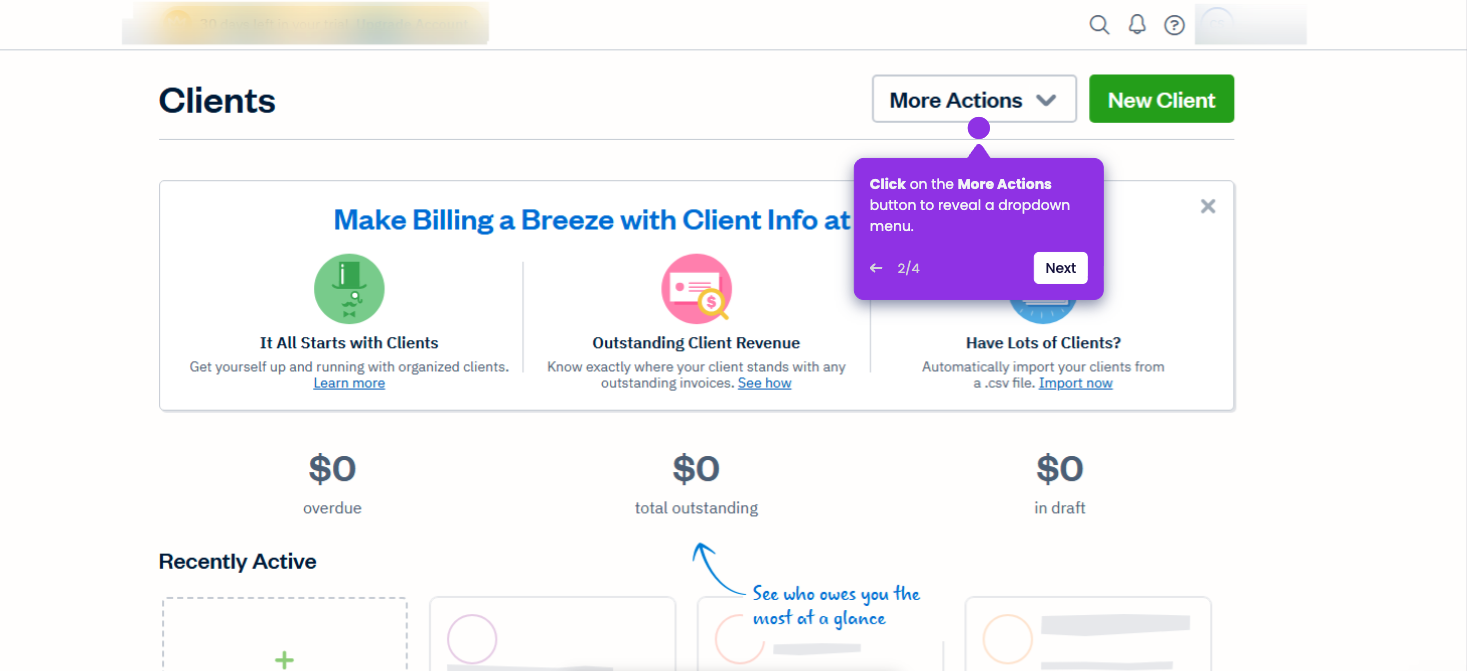
Use this interactive demo to learn how to pay bills directly within FreshBooks.

‍

‍

In this tutorial, you’ll learn how to record and manage payments for your business expenses and vendor bills.

‍

  1. In your FreshBooks dashboard, click the Expenses tab in the left sidebar.
  2. Access Bills to see what you owe vendors at a glance.
  3. Create a new bill to capture vendor invoices before they're due.
  4. Assign the bill to a specific vendor to clearly track who you owe and when.
  5. Add line items to break down exactly what you're purchasing.
  6. Adjust currency and language settings to match your business location and vendor requirements.‍
  7. Save your line item to ensure every charge is captured accurately for reporting and tax purposes.
📌 Why this matters

Recording bills systematically transforms chaotic expense tracking into organized financial control. You'll catch duplicate payments before they happen and maintain accurate cash flow forecasts by knowing exactly what's due when.

Beyond basic bookkeeping, this creates an audit trail that protects you during tax season and vendor disputes. When bills are properly categorized and linked to vendors, your accountant can quickly identify deductible expenses and potential cost-saving opportunities across supplier relationships you might not have noticed otherwise.

Your product deserves an interactive demo
Start free
Similar Articles
Freshbooks

How to Export Clients from FreshBooks

Madhav Bhandari
Director of Marketing @ Storylane
Freshbooks

How to Connect Bank Accounts to FreshBooks

Madhav Bhandari
Director of Marketing @ Storylane
Freshbooks

How to Print Reports in FreshBooks

Madhav Bhandari
Director of Marketing @ Storylane
No items found.
Platform
Interactive Demos
Sandbox Demos
Hubs
RepX
Integrations
Solutions
Product Marketers
Growth & Demand Gen
Sales Reps & AEs
Presales & SEs
Customer Success
Product Managers
Customers
Demo Showcase
Customer Stories
Finer Demos Club
Features
Demo Signals
Personalization
Deal Intelligence
Resources
Blog
The Plot
Tutorials
Help Docs
What’s New
Demo Dundies
Company
Careers
Pricing
Partners
Contact
Trust Center
Backed by
Chrome Extension Icon
Chrome extension
Download
Desktop app
Download
Built in San Francisco Bay Area - ©2026 Storylane
Privacy PolicyTerms & Conditions
X Corp (formerly Twitter)LinkedIn
This website uses cookies to ensure you get the best experience on our website. Learn More
Got it
This website uses cookies to ensure you get the best experience on our website. Learn More
Got it